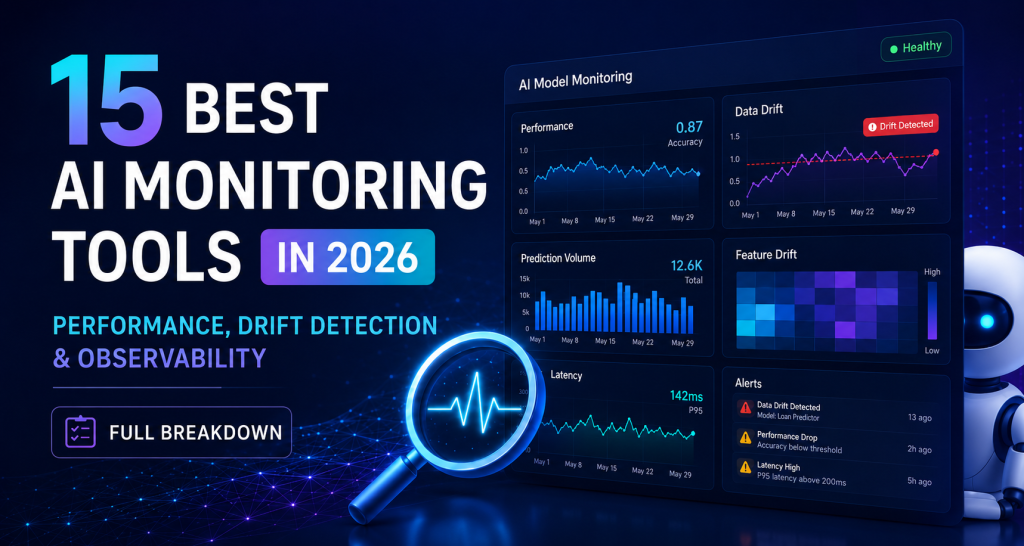
15 Best AI Monitoring Tools in 2026: Performance, Drift Detection & Observability (Full Breakdown)
What Are AI Performance Monitoring Tools?
AI performance monitoring tools help you track how your models behave after deployment. Not just if they are running, but if they are still accurate, reliable, and fast.
These systems are also known as ML observability tools or AI observability tools, depending on whether they focus on models or full pipelines.
In production, models do not stay perfect. Data changes. User behavior shifts. What worked yesterday can quietly break today.
These tools watch key signals like:
They alert you when something feels off before it turns into a real problem.
Think of them as a safety layer for your AI systems. Without it, you are flying blind.
AI Monitoring vs Traditional Application Monitoring (APM)
Key Problems These Tools Solve (Drift, Latency, Model Failures)
Data Drift
Your input data changes over time.
Example: customer behavior shifts, market trends evolve. Your model was trained on old patterns so accuracy drops. Monitoring tools detect this early.
Concept Drift
The relationship between input and output changes. Same data, different meaning.
This is harder to catch and more dangerous.
Good tools flag it before predictions become useless.
Latency Issues
Slow responses hurt user experience.
Especially in real-time apps. Monitoring tools track delays and help you fix bottlenecks fast.
Silent Model Failures
The worst kind. No crash. No error.
Just bad predictions. Without monitoring, you would even notice. Until customers complain or revenue drops.
Why AI Model Monitoring Is Critical in 2026
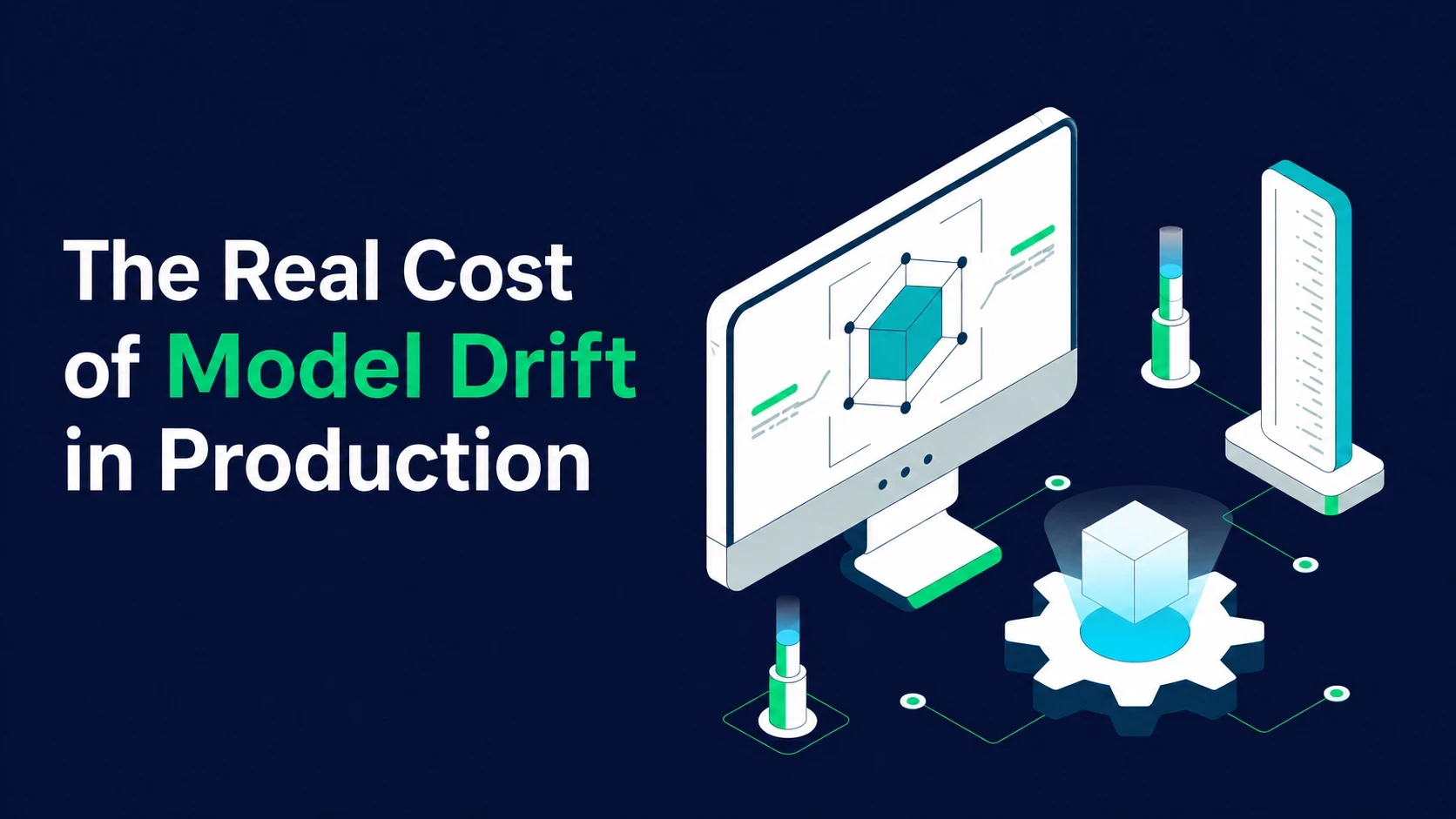
The Real Cost of Model Drift in Production
Drift is slow, but expensive.
Your data changes. Your model does not.
Results start missing the mark.
You would not see an error, but you will see:
By the time it is obvious, you have already lost time, money, and trust.
Hidden AI Failures That Hurt Business Performance
The most dangerous failures are silent.
Everything runs. Nothing crashes.
But outputs are wrong.
That leads to bad decisions, confused users, and missed opportunities.
Without monitoring, you are relying on results you cannot verify.
Growth of LLM Observability & AI Agents
AI is moving beyond simple models.
Now it writes, reasons, and takes actions.
That adds new risks unpredictable outputs, inconsistent behavior, hard-to-trace errors.
You need visibility into how these systems behave in real use.
Not just if they run, but if they make sense.
That is why observability is becoming essential, not optional.

Below is a focused list of tools that stand out right now, grouped by use case so you can pick faster.
ML & Data Monitoring Tools
LLM & AI Observability Tools
Infrastructure & AIOps Monitoring
Quick Comparison Table: Best AI Monitoring Tools at a Glance
Choosing a tool gets easier when you compare what actually matters; drift detection, debugging depth, LLM support, integrations, and pricing style. Below is a clean, side-by-side view of all 15 tools so you can quickly spot the right fit.
Features Comparison (Drift Detection, RCA, LLM Support, Integrations, Pricing)
| Tool | Drift Detection | Root Cause Analysis | LLM Support | Integrations | Pricing |
| Arize AI | Advanced (data + embedding drift) | Strong (deep model tracing) | Yes | ML + OpenTelemetry | Free + enterprise |
| Fiddler AI | Yes | Strong (explainability-based) | Yes | Enterprise ML stack | Custom |
| Evidently AI | Advanced (statistical tests) | Limited | Partial | Python ecosystem | Free + paid |
| WhyLabs | Strong (data profiling) | Moderate | Partial | Flexible stack | Free + paid |
| LangSmith | Prompt/output drift | Moderate | Strong | LangChain + SDKs | Usage-based |
| Langfuse | Basic | Limited | Strong | API + open-source | Free + usage |
| Helicone | Basic | Limited | Strong | API gateway | Free + usage |
| Braintrust | Evaluation-based drift | Moderate | Strong | Dev workflows | Usage-based |
| Portkey | Basic | Limited | Strong | AI gateway layer | Usage-based |
| Datadog | Limited (logs/metrics) | Strong | Partial | 800+ integrations | Subscription |
| Dynatrace | Limited | Very strong (auto RCA) | Partial | Enterprise systems | Subscription |
| New Relic | Limited | Strong | Partial | Wide ecosystem | Usage-based |
| Grafana | Custom (manual setup) | Limited | Partial | Open integrations | Free + paid |
| Elastic | Limited | Moderate | Partial | Elastic stack | Subscription |
| Splunk | Limited | Strong (log analysis) | Partial | Enterprise stack | Premium |
What This Table Shows
Most real-world teams do not rely on just one tool.
They combine model-level monitoring + system-level observability to get full visibility.
How to Choose the Right AI Performance Monitoring Tool
Not every tool fits every setup. The right choice depends on what you are building, how fast you need insights, and how your system runs. Focus on fit, not features.
Real-Time Monitoring vs Batch Monitoring
Real-time monitoring catches issues as they happen.
Best for:
Batch monitoring checks performance later.
Best for:
If your AI interacts with users, delays can cost you. Real-time matters.
Real-Time Monitoring vs Batch Monitoring
ML models are predictable.
You track accuracy, inputs, and outputs.
LLMs are not.
They generate text, vary responses, and can go off track without warning.
You need to monitor:
If you are building chatbots or AI assistants, choose tools built for this layer.
Integration with MLOps Platforms & DevOps Stack
A tool should fit into your workflow, not slow it down.
Look for:
The easier it connects, the faster your team can act.
Scalability & Enterprise Requirements
What works today may not work tomorrow.
As you grow, you will need:
Choose a tool that grows with your system—not one you’ll replace in six months.
Bottom line:
Pick based on your use case, speed, and scale, not just a feature checklist.
Key Features to Look For in AI Monitoring Tools
Not all tools are built the same. Focus on features that help you catch problems early, understand them fast, and fix them without delay.
Real-Time Model Performance Tracking
You need to see how your model performs right now, not hours later.
Track things like:
If performance drops, you should know instantly, not after users notice.
Data Drift & Concept Drift Detection
Your data will change. It always does. This is where AI drift detection tools play a critical role in identifying changes early.
Good tools detect:
Both reduce accuracy over time.
Early detection saves you from silent failures.
Automated Anomaly Detection
You cannot watch everything manually.
The tool should:
This helps you act before small issues become big ones.
Root Cause Analysis (RCA)
Finding a problem is not enough. You need to know why it happened. Strong tools let you:
Less guessing. Faster fixes.
Explainable AI (XAI) & Model Transparency
You should understand your model’s decisions.
Look for tools that show:
This builds trust and helps with debugging and compliance.
Alerts, Automation & Self-Healing Systems
Speed matters.
The tool should:
The goal is simple:
Catch issues early, fix them fast, and reduce manual effort.
AI Monitoring vs AI Observability vs AIOps
These terms sound similar, but they solve different parts of the problem. Knowing the difference helps you choose the right setup—not just another tool.
What is the Difference?
AI Monitoring
Tracks known metrics.
You watch things like accuracy, latency, and data drift.
It tells you when something is wrong.
AI Observability
Goes deeper.
It helps you understand why something is wrong by analyzing data, inputs, and outputs across the system.
AIOps
Takes action.
It uses automation to detect issues, find root causes, and sometimes fix them without manual effort.
Simple way to see it:
Which One Do You Actually Need?
It depends on your setup.
Most teams do not choose just one.
They combine monitoring + observability, and add AIOps as they scale.
Bottom line:
Start simple, but build toward visibility and automation.
That’s how you keep AI systems reliable over time.
Benefits of AI Performance Monitoring Tools for Businesses
AI systems don’t just need to run, they need to stay reliable in real conditions.
Monitoring tools help you keep performance stable as data and usage change over time.
Reduce Downtime & Model Failures
Improve Prediction Accuracy
Faster Debugging & Deployment
Better Customer Experience & Trust
In short:
AI monitoring helps you move from reacting to problems → to preventing them.
Common Mistakes to Avoid When Choosing a Tool
Many teams do not fail because they lack tools, they fail because they choose the wrong ones.
A good setup is about focus, not feature overload.
Ignoring Drift Detection Capabilities
One of the biggest mistakes is skipping drift detection. Models don’t fail suddenly. They slowly become less accurate as data changes.
If your tool cannot catch this early, performance drops quietly until it becomes a real problem.
Choosing Generic Monitoring Tools
Not every monitoring tool understands AI. Generic system monitoring focuses on servers and uptime, not model behavior. That means it can miss issues like wrong predictions or changing data patterns. You need tools built for model-level visibility, not just infrastructure health.
Overpaying for Unused Features
More features do not always mean better results.
Many platforms bundle advanced tools that teams never use.
This leads to higher cost without real value.
It’s better to pick a tool that fits your actual workflow instead of paying for complexity you don’t need.
Bottom line:
Choose based on real needs drift detection, model visibility, and usability not just feature lists.
Pricing Guide: How Much Do AI Monitoring Tools Cost?
AI monitoring tools do not follow one fixed price. Costs vary based on data volume, features, and how the tool is deployed. Some are simple and predictable, while others scale with usage. Understanding pricing early helps you avoid surprises later.
Open-Source vs Paid Tools
Open-source tools are usually free to start.
You can download, deploy, and customize them without licensing fees.
They work well for:
But you will still pay indirectly through:
Paid tools come with ready-to-use platforms.
They handle scaling, support, and updates for you.
They are better for:
In short:
Open-source saves money upfront.
Paid tools save time and reduce operational work.
Usage-Based vs Subscription Pricing
Subscription pricing charges a fixed monthly or yearly fee.
You know your cost in advance, which makes budgeting easier.
Best for:
Usage-based pricing charges based on what you use like data volume, events, or API calls.
This model is common in modern observability tools. It scales with your system.
Best for:
Trade-off is simple:
Bottom line:
The right pricing model depends on your scale. Start simple, then move toward flexibility as your AI systems grow.
Future Trends in AI Performance Monitoring (2026+)
AI systems are moving beyond simple predictions. They now generate content, make decisions, and act on their own. Monitoring is evolving with them becoming deeper, faster, and more automated.
LLM Observability Platforms
Large language models are now part of everyday products.
But they do not behave like traditional models. They can hallucinate, drift in tone, or produce inconsistent outputs without errors.
New observability tools focus on:
The goal is not just performance tracking, but understanding how language models behave in real use.
AI Agent Monitoring
AI agents do not just respond they take actions.
They can call APIs, run workflows, and make decisions across systems.
This creates new risks:
Monitoring here focuses on step-by-step visibility, so you can see exactly what the agent did and why.
Autonomous Self-Healing AI Systems
The next step is systems that fix themselves.
Instead of only alerting teams, future tools will:
This reduces manual work and speeds up recovery.
The direction is clear:
From “monitor and alert” → to “detect and fix automatically.”
Final Verdict
AI performance monitoring tools matter a lot once models go into production. While reviewing and comparing tools at SaaS & Software Reviews, we have seen cases where models looked fine on dashboards but slowly started giving worse predictions. Nothing crashed, but the output quality dropped. Without monitoring, this kind of issue is very easy to miss.
In practical setups, drift is the most common problem. Data changes over time, and models stop matching real user behavior. Tools like Arize AI and Evidently AI help surface these shifts early. This is especially useful in ML and LLM pipelines where changes are not obvious at first.
From real usage patterns, the best results come when monitoring is combined with observability. Platforms like Langfuse, Datadog, and Grafana Labs give deeper visibility into system behavior. The main goal stays simple: catch issues early and keep AI outputs stable in real conditions.