AI Logo Makers in 2026: A Hands-On Review of the Best Tools for Easy Branding
Last Updated: September 16, 2025
Tested, Reviewed & Written by SaaS & Software Reviews Editorial Team
Back in the day, getting a logo meant shelling out big bucks for a designer or spending ages tinkering in software you barely understood. But now, with AI design platforms, anyone can whip up a sharp logo in no time flat. Whether you’re launching a side hustle, sprucing up your freelance gig, or just need something quick for your YouTube channel, these AI-powered tools make it straightforward.
I have dug into the latest options for 2026, testing out features, ease of use, and what you actually get for your money. Drawing from recent reviews and my own trials, here is a breakdown of how they stack up, including some top players like Looka and Canva that keep popping up in comparisons.
What Exactly Is an AI Logo Generator?
At its core, an online logo creator is a web-based tool that uses smart algorithms to blend elements like icons, fonts, colors, and shapes based on what you tell it about your brand. You input basics like your business name, industry, or even a simple description like “cozy coffee shop vibe,” and it spits out a bunch of options. No art degree required—these platforms handle the heavy lifting so you end up with something that looks pro without the hassle.
From what I’ve seen in 2026 updates, the tech has gotten even better at understanding nuances, like suggesting layouts that fit modern trends or global audiences.
Why Use an AI-Powered Logo Creator?
Simple: speed and savings. Traditional designers might charge $500 or more and take weeks, but AI gets you there in minutes for a fraction of the cost, or even free. It’s great for iterating ideas; you can tweak endlessly until it clicks. Plus, many now bundle in extras like social media kits or business cards, turning a logo into a full brand starter pack. For small teams or solo creators, this levels the playing field without skimping on quality.
How it Works – Step by Step
Most follow a similar flow, but little tweaks set them apart:
Tools like Wix even tie into website building, making the whole process seamless.
Key Features
The good ones share core perks but shine in specifics:
In 2026, AI has gotten smarter at avoiding generic looks, pulling from vast libraries for fresher ideas.
Best Use Cases
Anyone bootstrapping a brand:
They’re less ideal for super-niche, one-of-a-kind needs where a human’s intuition edges out.
How to Choose the Right One: Tips from My Tests
Go for user-friendly interfaces if you are new, avoid overwhelming menus. Check export options (SVG is a must for versatility). Budget matters: free tiers for testing, paid for polish. Read user feedback; some tools nail creativity but falter on support. Finally, ensure commercial rights are clear so you own what you make.
Pricing Breakdown: What You will Pay in 2026
Costs range from free to premium bundles. Here is a quick comparison table based on current plans:
| Tool | Free Tier | Paid Starting Price | What You Get in Paid |
| Wix Logo Maker | Basic creation & low-res previews | ~$50 (Brand Plus for high-res + vectors) | Unlimited edits, SVG/PNG, merch mockups, website integration |
| Looka | Limited previews | $20 (Basic logo pack) | High-res files, brand kit with 300+ templates, social assets |
| Tailor Brands | Low-res download | $15/month (subscription for high-res) | Vector files, full branding suite (cards, sites), ongoing tools |
| Canva | Full free creation | $15/month (Pro) | Premium templates, AI extras, team collab, unlimited downloads |
| LogoMakr | Low-res basic | $29 one-time | High-res, custom icons, no subscriptions |
| Designhill | Trial generation | $20 (Basic) | Vectors, animations, brand guidelines, mockups |
| Brandmark | Unlimited free generations | $25 one-time | Full assets (cards, animations, sites), forever access |
| Shopify Logo Maker / Hatchful | Everything free | Free | High-res PNG/SVG, social-optimized, no upsells |
Prices can vary with add-ons, but one-time fees beat subs for one-off needs. Free options like Hatchful are solid starters, while Looka edges for value in kits.
Top Logo Design Software Reviewed
I focused on eight popular ones, testing with a fictional “EcoBrew Coffee” prompt. Here is how they performed, pros/cons, and who they’d suit best.
Wix Logo Maker – Best for Integrated Branding
This one’s a favorite for its tie-in with Wix sites. Enter your name and style prefs, answer a few questions, and it generates options you can tweak endlessly.

Looka – Top for Polished, Ready-to-Go Designs
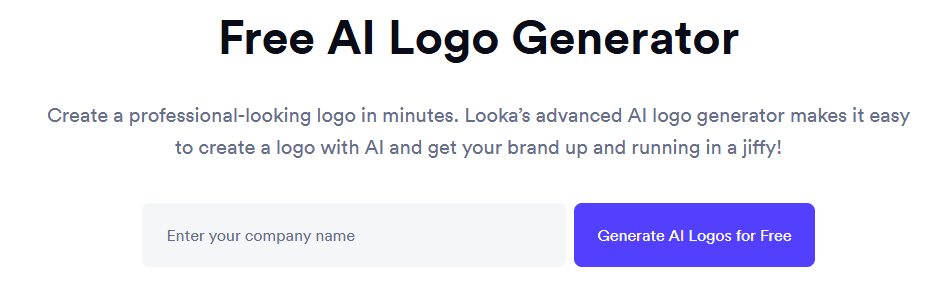
Looka asks about your industry and colors, then delivers sleek variations. Edit in their editor and get a brand kit.
Tailor Brands – Ideal for All-in-One Business Tools
Input details, pick styles (wordmark/icon), and customize. It extends to full branding like letterheads.
Canva – Most Versatile (Even If Not Pure AI)
Not strictly AI-focused, but its generator uses smart suggestions. Drag from a huge template library.
LogoMakr – Great for Hands-On Tweakers
Enter prefs, get AI suggestions, then edit templates or make icons from descriptions.
Designhill – Strong for Custom Variety
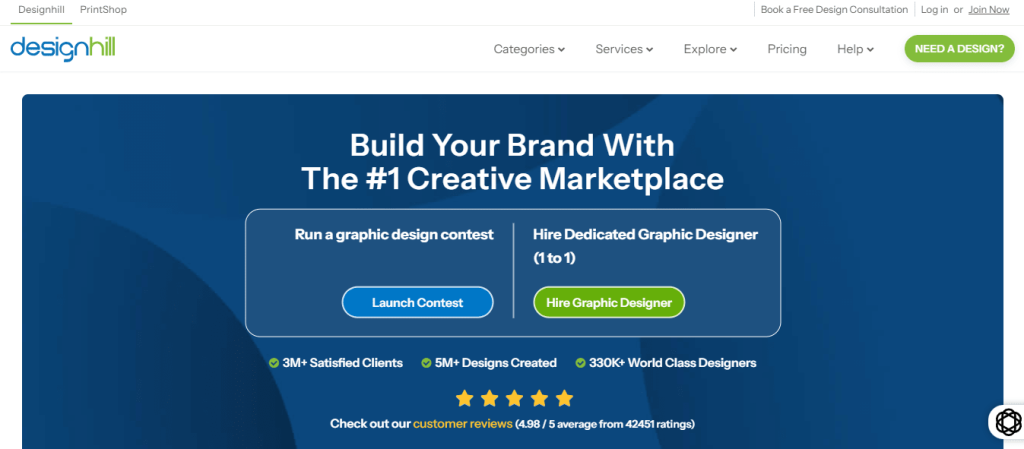
Generate from keywords, pick templates, add animations or mockups.
Brandmark – Advanced for Unique Icons
AI crafts from scratch, with guidelines and pro touches like font pairing.
Shopify Logo Maker / Hatchful – Best Free All-Around
Quick questions on industry, get tailored templates to edit.
AI Logo Tools vs. Hiring a Designer
| Aspect | AI Tools | Human Designer |
| Cost | $0–$100 one-time | $300–$5,000+ |
| Time | Minutes to hours | Days to weeks |
| Uniqueness | Template-inspired, customizable | Fully original |
| Strategy | Basic suggestions | Deep brand insight |
| Flexibility | Easy tweaks post-creation | Revisions cost extra |
AI wins on affordability and speed for simple needs, but humans excel at storytelling through design. Use AI to prototype, then refine with a pro if needed.
A Few Ethical Notes
Be upfront if your logo’s AI-made, transparency builds trust. Stick to royalty-free elements, and safeguard your brand details. Avoid designs that could mislead, like fake eco-claims. Most tools grant full rights on paid plans, but double-check.
Wrapping It Up
As we head deeper into 2026, AI logo makers have truly revolutionized how we approach branding, making professional designs accessible to everyone from solo entrepreneurs to growing teams. Tools like Wix Logo Maker shine for seamless integration with websites, while Looka delivers those instant, polished results that feel ready for prime time. Tailor Brands stands out if you are after a complete branding ecosystem, and Canva’s versatility makes it a go-to for creative mixing and matching.
For hands-on control without ongoing costs, LogoMakr fits the bill, whereas Designhill offers robust customization for more demanding projects. Brandmark excels in crafting unique icons with pro-level guidance, and Hatchful remains the ultimate free option for quick, no-fuss starts.
Each brings something special to the table; speed, affordability, or depth, without the steep learning curve of traditional design. They are not here to replace human creativity entirely, but for most everyday needs, they provide a smart, efficient path to a standout brand. Dive in, experiment with a few, and find the one that clicks for your vision; the results might just surprise you.