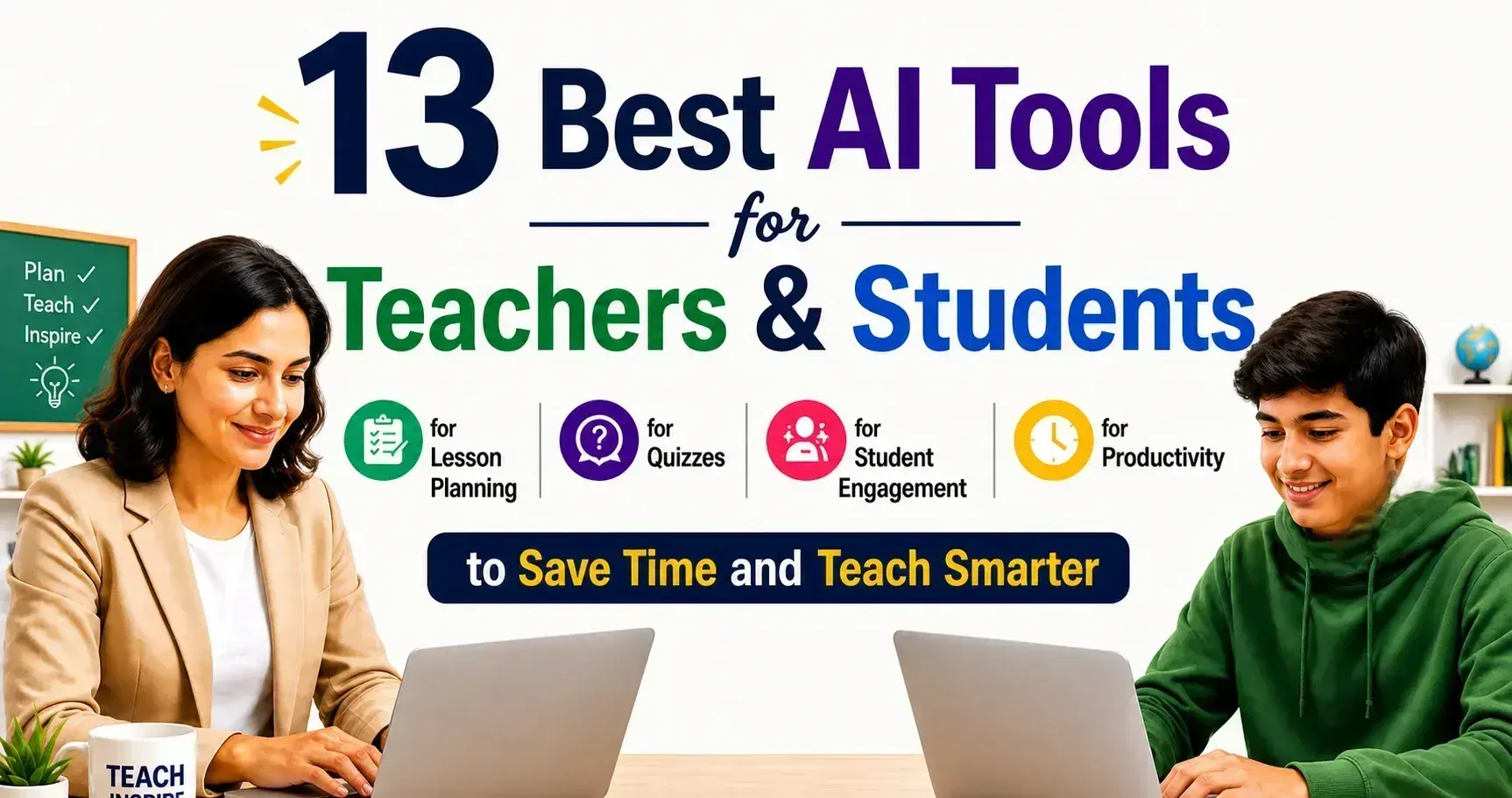
13 Best AI Tools for Teachers & Students for Lesson Planning, Quizzes, Student Engagement, and Productivity to Save Time and Teach Smarter
The best tools for teachers and students in 2026 do more than generate text. They help plan lessons faster, turn ideas into quizzes, keep learners involved, and cut down the busywork that eats up time. The right pick depends on what you need most: stronger lesson prep, better class participation, faster grading support, or simpler study help.
For most users, MagicSchool AI stands out as the best overall choice because it covers the widest range of classroom tasks in one place. Brisk Teaching is a strong pick for everyday teacher workflow, Quizizz and Kahoot! work well for interactive quizzes, and NotebookLM is especially useful for students who need help understanding notes, sources, and study materials.
This guide is built for people who want practical tools, not hype. Every option here has a clear use case, whether you are teaching a full classroom, supporting learners at home, running tutoring sessions, or trying to study smarter without wasting hours.
Top Picks at a Glance
Best overall
MagicSchool AI
Best for lesson planning
Brisk Teaching
Best for quizzes
Quizizz
Best for student engagement
Kahoot!
Best for productivity
NotebookLM
Best free option
Padlet
Best for students
Khanmigo
Best for interactive lessons
Nearpod
Best for communication
Remind
Who This Guide Is For
This guide is for teachers who want to save time, students who want better study support, tutors who need flexible teaching help, homeschoolers looking for practical learning tools, and school teams searching for tools that support planning, communication, and classroom workflow.
The Best AI Tools for Teachers & Students
Not every tool solves the same problem. Some are better for planning lessons, some make quizzes faster, and others help with class participation, feedback, or study support. That is why a side-by-side comparison matters. It helps you spot the right fit fast instead of reading 13 full reviews before knowing where to start.
Use the table below to compare each tool by purpose, audience, free access, pricing, standout strength, and biggest limitation. If you want an all-around classroom tool, start with the “best for” and “standout feature” columns. If budget matters most, check the free plan and starting price first.
Compare the 13 Tools Side by Side
| Tool | Best for | Best audience | AI-native or AI-assisted | Free plan | Starting price | Standout feature | Biggest drawback |
| MagicSchool AI | All-around classroom support | Teachers | AI-native | Yes | — | Wide range of teacher tools | Best features may depend on paid plan |
| Brisk Teaching | Daily teaching workflow | Teachers | AI-native | Yes | — | Fast lesson and feedback support | Works best inside existing workflows |
| Khanmigo | Guided learning and teaching help | Teachers & Students | AI-native | Limited | — | Strong support for teaching and study | Not the cheapest option for everyone |
| Nearpod | Interactive lessons | Teachers & Students | AI-assisted | Yes | — | Strong lesson delivery and participation tools | More classroom platform than pure writing tool |
| Kahoot! | Live class engagement | Teachers & Students | AI-assisted | Yes | — | Fun quiz-based participation | Less useful for deep lesson building |
| Quizizz | Quizzes and assignments | Teachers & Students | AI-assisted | Yes | — | Easy assessment and homework flow | Can feel quiz-heavy for some use cases |
| Edpuzzle | Video-based learning | Teachers & Students | AI-assisted | Yes | — | Turns videos into active lessons | Best for video workflows, not all teaching tasks |
| Padlet | Collaboration and idea sharing | Teachers & Students | AI-assisted | Yes | — | Simple and flexible classroom collaboration | Not built for full teaching workflows |
| ClassDojo | Classroom communication | Teachers, Students & Parents | AI-assisted | Yes | — | Strong class and parent connection | Limited for deeper academic planning |
| Seesaw | Student learning portfolios | Teachers & Students | AI-assisted | Yes | — | Great for student work sharing and reflection | Better for younger learners and classroom tracking |
| Schoology | Learning management | School teams & Teachers | AI-assisted | No/limited | — | Full course and class management | Heavier setup than simpler tools |
| Remind | School communication | Teachers & School teams | AI-assisted | Yes | — | Quick communication with students and families | Narrower use case than full classroom tools |
| NotebookLM | Study support and source-based learning | Students & Teachers | AI-native | Yes | — | Helps organize notes and source material | Best results depend on the quality of uploaded content |
Need a quick pick? Choose MagicSchool AI for overall classroom support, Quizizz for quizzes, Kahoot! for engagement, and NotebookLM for study-focused work.
Why Teachers and Students Are Using AI Tools
Teachers and students are not using these tools just to try something new. They are using them to save time, stay organized, and make learning easier. The best ones help with real classroom work, from planning lessons to building quizzes and improving participation.
What matters most is simple: less busywork, better learning flow, and more time for teaching, studying, and feedback.
For Lesson Planning
These tools help turn ideas into lesson outlines, activities, and classroom materials much faster.
For Quizzes and Assessments
They make it easier to create questions, practice tasks, and quick checks without starting from scratch every time.
For Student Engagement
Interactive activities, live quizzes, and collaborative tasks help keep students involved and focused.
For Productivity and Time Saving
Teachers can speed up repetitive work like planning, prep, and feedback, while students can study in a more organized way.
For Differentiation and Personalized Learning
These tools help adjust content for different skill levels, learning speeds, and classroom needs.
For Research and Study Support
Students can use them to review notes, understand topics better, and prepare for assignments and tests with more structure.
How We Chose the Best AI Tools for Teachers & Students
Not every tool that looks impressive is actually useful in real classroom work. For this list, we focused on tools that help teachers and students get practical results, not just extra features.
We looked at how easy each tool is to use, how well it supports lesson planning, quizzes, engagement, and daily workflow, and whether it offers real value for both teaching and learning.
Our Evaluation Criteria
We compared each tool based on:
- Ease of use
- Lesson planning quality
- Quiz and assessment features
- Engagement features
- Productivity gains
- Teacher control
- Student usefulness
- Free plan value
- Classroom safety
- Overall value for money
What We Looked For in Each Tool
We also looked at what matters most in day-to-day use:
- Real classroom utility
- Workflow speed
- Content quality
- Flexibility
- Reliability
- Suitability for teachers and/or students
AI-Native Tools vs Classroom Tools With AI Features
Not all tools on this list work the same way. Some are built around smart assistance from the start, while others are classroom platforms that have added helpful features over time. That difference matters when you are choosing the right fit.
What Counts as an AI-Native Teaching Tool
AI-native tools are built mainly to help with tasks like lesson planning, content drafting, feedback, and classroom support. Tools like MagicSchool, Brisk, and Khanmigo are designed with this kind of workflow at the center.
What Counts as a Classroom Tool With AI Features
These are tools that already work well for teaching, quizzes, engagement, or class management, but now include smart features to speed things up. Tools like Nearpod, Quizizz, Kahoot!, and NotebookLM fit this category.
Why This Difference Matters for Teachers and Students
This matters because it affects how each tool fits into daily use. AI-native tools often offer deeper workflow support and more automation. Classroom tools with added features are usually easier to adopt if you already use them and want a lighter learning curve. In simple terms, one group helps create and organize faster, while the other improves tools you may already know.
The 13 Best AI Tools for Teachers & Students
1. MagicSchool AI
2. Brisk Teaching
3. Khanmigo
4. Nearpod
5. Kahoot!
6. Quizizz / Wayground
7. Edpuzzle
8. Padlet
9. ClassDojo
10. Seesaw
11. Schoology
12. Remind
13. NotebookLM
Other AI Tools Worth Considering
The tools above cover the strongest mix of lesson planning, quizzes, student engagement, and productivity. Still, a few other options are worth watching, especially for teachers and students with more specific classroom needs.
Diffit
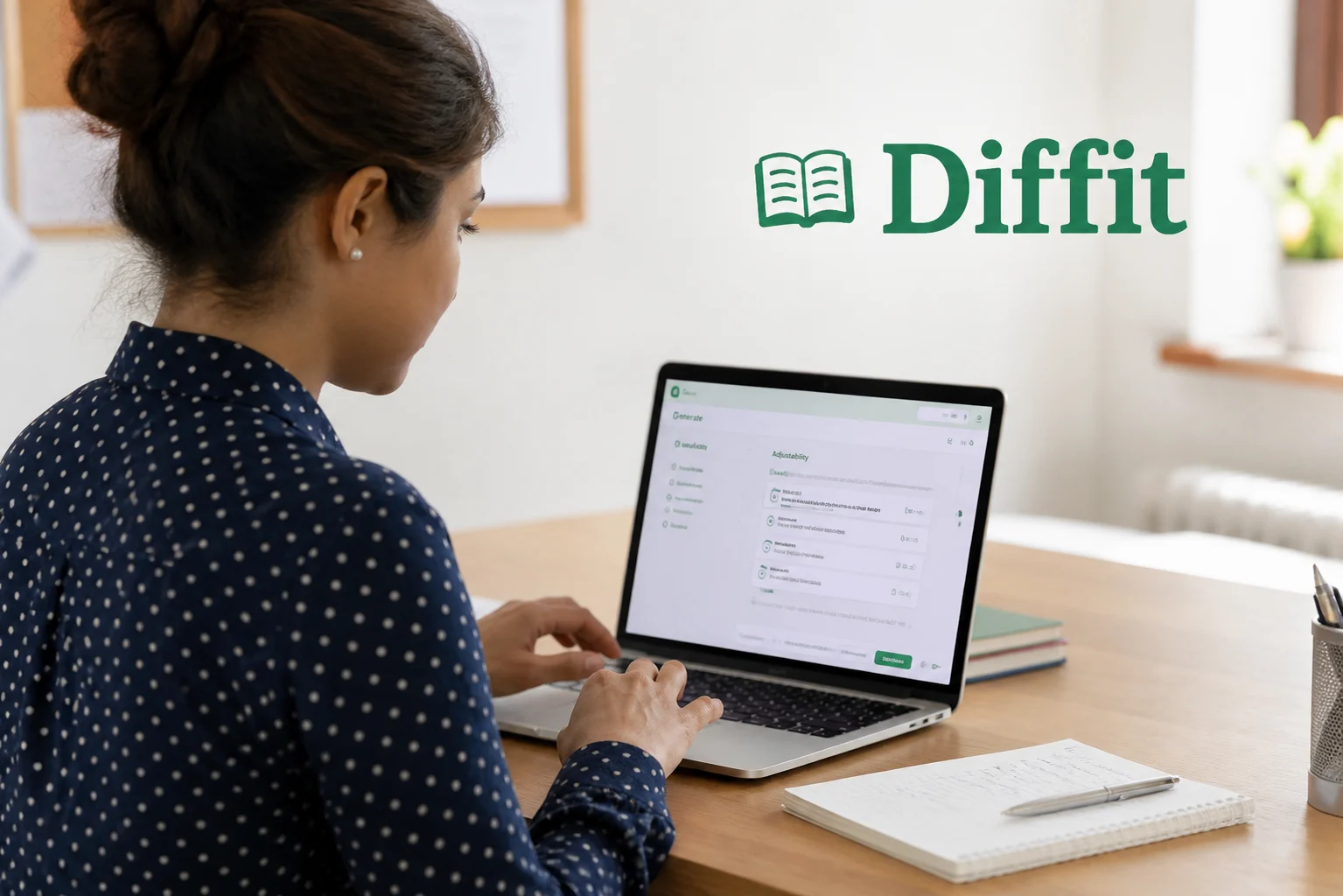
Diffit is worth considering if your main goal is to adapt content for different reading levels and learning needs. It can be especially useful for teachers who want to make the same lesson more accessible for different students without rewriting everything from scratch.

SchoolAI
SchoolAI is a strong option for classrooms that want more guided student support. It works well for student interaction, structured responses, and classroom activities that need more than a basic quiz or worksheet.
Curipod
Curipod stands out for interactive teaching. It is a good fit for teachers who want lessons to feel more active, with prompts, polls, and class participation built into the learning flow.

Best AI Tools by Use Case
Not every tool belongs in every classroom. Some are better for planning, some work best for live quizzes, and others shine when the goal is engagement, study support, or smoother daily workflow. If you want the right tool faster, start with the use case that matters most to you.
Best AI Tools for Lesson Planning
For lesson planning, MagicSchool AI, Brisk Teaching, and Khanmigo stand out. They help turn rough ideas into usable lesson outlines, activities, prompts, and teaching materials without slowing you down.
Best AI Tools for Quizzes and Assessments
For quizzes and assessments, Quizizz, Kahoot!, and Edpuzzle are the strongest picks. They make it easier to build quick checks, review tasks, and interactive assessments that students will actually complete.
Best AI Tools for Student Engagement
For student engagement, Kahoot!, Nearpod, and Padlet lead the way. These tools help lessons feel more active, more collaborative, and less like one-way instruction.
Best AI Tools for Teacher Productivity
For teacher productivity, MagicSchool AI, Brisk Teaching, and NotebookLM offer the biggest time-saving value. They help reduce prep work, organize information, and speed up repetitive classroom tasks.
Best AI Tools for Research and Study Support
For research and study support, NotebookLM and Khanmigo are the best options. They help students review notes, understand source material, and study with more structure and less confusion.
Best AI Tools for Communication and Classroom Workflow
For communication and classroom workflow, ClassDojo, Remind, and Schoology are the most useful. They help keep classes organized, improve communication, and make it easier to manage day-to-day school routines.
Best AI Tools for Differentiation and Personalized Learning
For differentiation and personalized learning, Brisk Teaching, Khanmigo, and Nearpod are strong choices. They help teachers adjust learning materials, support different skill levels, and make instruction more flexible for real classroom needs.
Best AI Tools for Teachers
Teachers do not need more tools. They need the right ones for planning, teaching, feedback, and daily classroom work. The best picks below stand out because they solve real teaching problems and save time where it matters most.
Best for Classroom Teachers
MagicSchool AI, Nearpod, and ClassDojo are strong choices for classroom teachers. They help with lesson support, class engagement, and smoother day-to-day teaching.
Best for Lesson Creators
Brisk Teaching, MagicSchool AI, and Khanmigo work best for teachers who create lessons, activities, prompts, and learning materials on a regular basis.
Best for Busy Teachers Who Want to Save Time
MagicSchool AI, Brisk Teaching, and NotebookLM are the top picks for teachers who want to reduce prep time, speed up routine work, and stay more organized.
Best for Assessment and Feedback Workflows
Quizizz, Edpuzzle, and Khanmigo are especially useful for teachers who need faster quizzes, better review tasks, and more efficient feedback support.
Best AI Tools for Students
Students need tools that do more than look smart. The best ones help with studying, practice, understanding tough topics, and staying on track without making learning feel harder.
Best for Studying and Research
NotebookLM and Khanmigo are top picks for studying and research. They help students organize notes, review source material, and understand topics in a clearer way.
Best for Practice and Quizzes
Quizizz and Kahoot! are strong choices for practice and quizzes. They make revision more active and help students check what they know without feeling stuck in a boring routine.
Best for Interactive Learning
Nearpod, Kahoot!, and Padlet work well for interactive learning. They make lessons feel more engaging, visual, and easier to follow.
Best for Homework Support
Khanmigo and NotebookLM are useful for homework support. They help students think through tasks, review material, and study with more structure.
Best for Independent Learning
NotebookLM, Khanmigo, and Seesaw are solid options for independent learning. They support self-paced study, reflection, and better learning habits over time.
Which AI Tool Should You Choose?
The best tool depends on what you need most. Some are better for planning, some are stronger for quizzes, and others work best for study support or daily classroom tasks. If you want the fastest answer, start here.
Choose This if You Are a Teacher
Go with MagicSchool AI or Brisk Teaching. Both are built to support real classroom work and help teachers save time where it counts.
Choose This if You Are a Student
Choose NotebookLM or Khanmigo. They are better suited for studying, reviewing material, and learning with more structure.
Choose This if You Need Better Quizzes
Pick Quizizz or Kahoot!. They make quizzes, review, and class checks much easier to run.
Choose This if You Want Faster Lesson Planning
Choose MagicSchool AI, Brisk Teaching, or Khanmigo. These tools are the strongest for turning ideas into lesson-ready content quickly.
Choose This if You Want Better Student Engagement
Go with Kahoot!, Nearpod, or Padlet. These tools help make lessons more active and easier for students to join.
Choose This if You Want a Free Tool
Start with Padlet, NotebookLM, or Quizizz. They offer useful free access without making the experience feel too limited.
Choose This if You Want an All-in-One Option
Choose MagicSchool AI. It gives teachers the widest mix of planning, writing, classroom, and support features in one place.
Benefits of AI Tools for Teachers and Students
The best tools do not just save clicks. They save time, reduce routine work, and make teaching and learning easier to manage. For teachers, that means less time on prep. For students, it means better support, clearer study flow, and more active learning.
Save Time on Repetitive Tasks
These tools help cut down the work that gets repeated every day, like planning, drafting, reviewing, and organizing content.
Improve Engagement and Participation
Interactive lessons, quizzes, and shared activities make it easier to keep students involved from start to finish.
Support Different Learning Levels
Teachers can adjust content more easily, while students get support that feels more matched to their pace and needs.
Speed Up Content Creation
From lesson outlines to quiz questions, these tools help turn ideas into usable classroom content faster.
Enhance Study and Review
Students can review notes, practice skills, and prepare for tests in a more structured and less stressful way.
Risks and Limitations of AI Tools in Education
These tools can save time, but they are not perfect. They still need careful use, especially in schools where accuracy, privacy, and teacher judgment matter.
Accuracy and Hallucinations
Some tools can give wrong answers, weak explanations, or made-up details. That is why outputs should always be checked before they are used in class or shared with students.
Privacy and Student Data Concerns
Teachers and schools need to be careful with what they upload. Sensitive student information should never be shared unless the platform clearly supports safe and approved use.
Over-Reliance on AI
These tools can speed up work, but relying on them too much can weaken planning, critical thinking, and real teaching decisions.
The Need for Teacher Review
Teacher review is still essential. The best results happen when tools support the work, not when they replace the person leading it.
When AI Should Not Replace Human Judgment
It should not replace teacher judgment in grading, feedback, student support, classroom decisions, or anything that needs care, context, and human understanding.
How to Use AI Tools Responsibly in the Classroom
The best results come from using these tools with care. They can save time and support learning, but they work best when teachers stay in control and use them with clear limits.
Verify AI Outputs Before Using Them
Always check lessons, quiz questions, summaries, and explanations before using them in class. Fast does not always mean accurate.
Avoid Uploading Sensitive Student Information
Do not paste private student details into any tool unless your school has approved it and the platform clearly supports safe use.
Use AI as Support, Not Replacement
These tools should help with planning, drafting, and organizing, not replace teaching, judgment, or real classroom connection.
Match Tools to the Right Classroom Workflow
Choose tools based on what you actually need, whether that is lesson planning, quizzes, engagement, feedback, or study support.
Start With One or Two Tools First
There is no need to use everything at once. Start small, learn what works, and build your setup around the tools that save the most time.
How We Recommend Building Your AI Teaching Stack
Most teachers and students do not need 13 tools. They need a small setup that covers planning, quizzes, engagement, and study support without adding more complexity. A smart stack should save time, fit into daily work, and be easy to keep using.
Best Minimal Stack
Start with MagicSchool AI, Quizizz, and NotebookLM. This gives you one tool for planning, one for assessments, and one for study support without overloading your workflow.
Best Free Stack
A strong free setup includes Padlet, Quizizz, and NotebookLM. Together, they cover collaboration, quizzes, and study help with little to no cost.
Best Stack for Teachers
For teachers, the strongest mix is MagicSchool AI, Brisk Teaching, and Nearpod. This setup helps with planning, daily workflow, and more engaging lesson delivery.
Best Stack for Students
For students, NotebookLM, Khanmigo, and Quizizz make a practical combination. They support studying, guided learning, and regular practice in one simple setup.
Best Stack for Lesson Planning + Quizzes + Engagement
If your goal is to cover the full classroom flow, go with MagicSchool AI for planning, Quizizz for quizzes, and Nearpod or Kahoot! for engagement. This setup gives you a balanced mix of prep, assessment, and active learning.
Final Verdict
If you want one quick answer, start with the tool that matches your biggest need. The best choice is not the one with the most features. It is the one that fits your real classroom or study workflow.
Best Overall
MagicSchool AI is the best overall pick for its wide classroom use and time-saving value.
Best for Teachers
Brisk Teaching is a strong choice for teachers who want faster daily workflow support.
Best for Students
NotebookLM stands out for studying, note review, and source-based learning.
Best for Lesson Planning
MagicSchool AI and Brisk Teaching are the strongest picks for faster lesson creation.
Best for Quizzes
Kahoot! remains one of the best tools for active classroom participation.
Best Free AI Tool
NotebookLM is one of the strongest free options for study and learning support.
Best Value Pick
Khanmigo offers strong value for both teaching support and student learning.