15 Best Sales Lead Databases in 2026: Full Comparison with Pricing, Accuracy & Features
Why Sales Lead Databases Matter in 2026
Finding prospects is easy Finding the right ones is not
In 2026, bad data wastes time, hurts reply rates, and slows down every part of your sales process. A strong sales lead database helps you reach the right people faster, cut manual research, and keep your pipeline full with contacts you can actually use.
What Makes a Sales Lead Database Actually Worth Paying For
A tool is only worth the money if the data is solid. The best platforms give you accurate contact details, useful filters, direct dials, CRM sync, and reliable updates. They save your team from chasing dead leads, cleaning messy lists, and paying for data that does not convert.
Our Shortlist at a Glance
At SaaS & Software Reviews, we reviewed the top sales lead databases based on data quality, coverage, ease of use, pricing, and key features. Some are better for startups, some fit larger sales teams, and some stand out for verified emails, buyer intent, or compliance.
The right choice depends on how your team sells, who you target, and how much workflow friction you want to remove.
Quick Comparison: Best Sales Lead Databases at a Glance
Best for startups
Apollo.io
A strong pick for small teams that want lead data, outreach, and workflow tools in one place without stretching the budget too far.
Best for enterprise teams
ZoomInfo
Built for larger sales teams that need deep company data, broad coverage, and advanced features for prospecting at scale.
Best for LinkedIn prospecting
Kaspr
A simple choice for teams that do most of their prospecting on LinkedIn and want fast access to contact details while they work.
Best for verified emails
UpLead
A smart option for teams that care most about clean data, fewer bounces, and better email deliverability.
Best for GDPR-focused teams
Cognism
A strong fit for businesses that need compliant data practices, especially when selling into Europe and regulated markets.
Best budget option
Hunter.io
A lean, affordable tool for finding and verifying business emails without paying for features you may never use.
What Is a Sales Lead Database?
A sales lead database is a tool that helps you find potential buyers faster. It gives you business contact details like names, work emails, phone numbers, job titles, and company data, so your team can spend less time researching and more time selling.
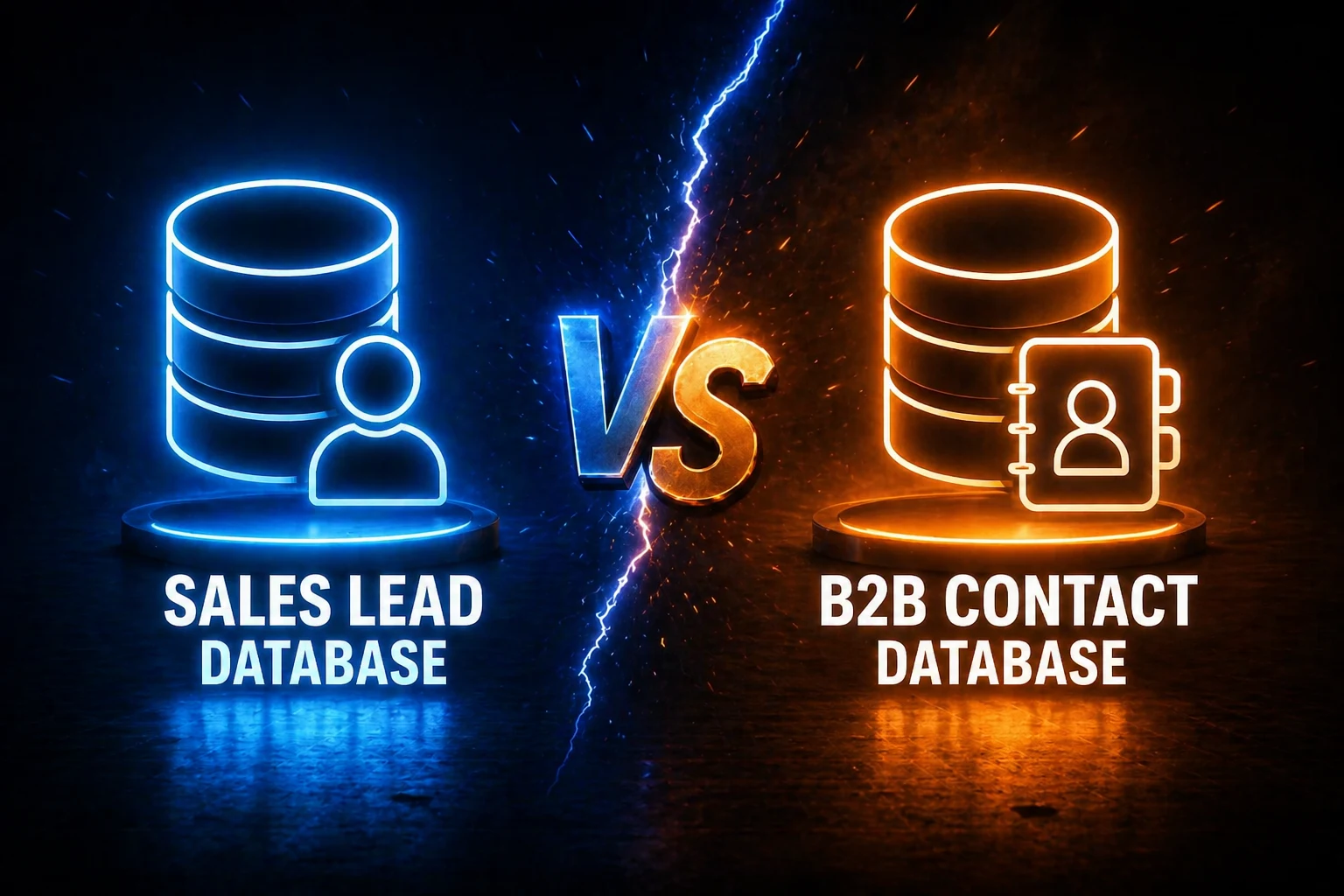
Sales Lead Database vs B2B Contact Database
These two terms are often used the same way, but there is a small difference. A B2B contact database focuses on business contact information. A sales lead database goes a step further by helping you find prospects that match your target market and sales goals.
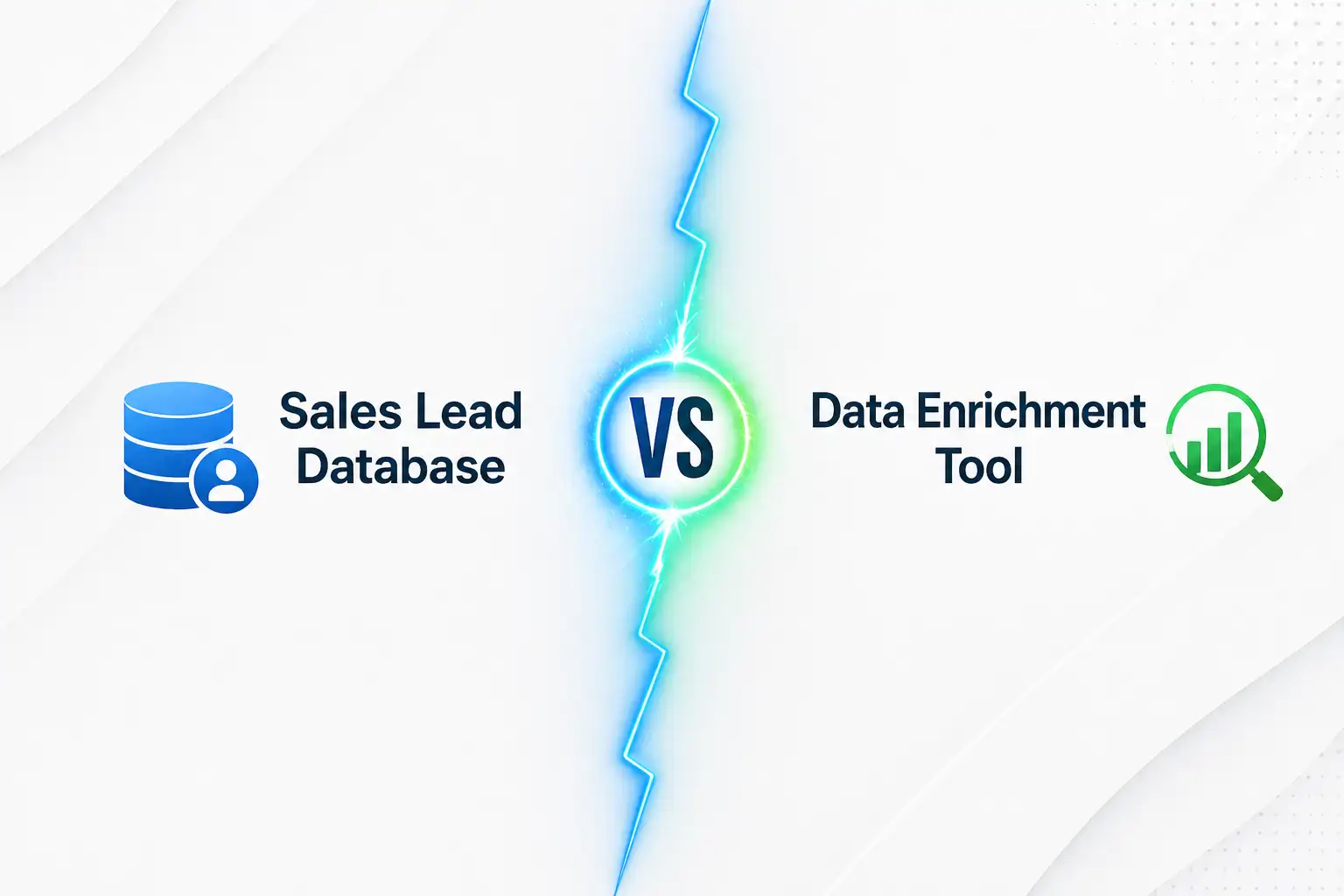
Sales Lead Database vs Data Enrichment Tool
A sales lead database helps you discover new leads. A data enrichment tool improves the records you already have by adding missing details like company size, job title, industry, or firm data. One helps you find contacts. The other helps you make your data more useful.
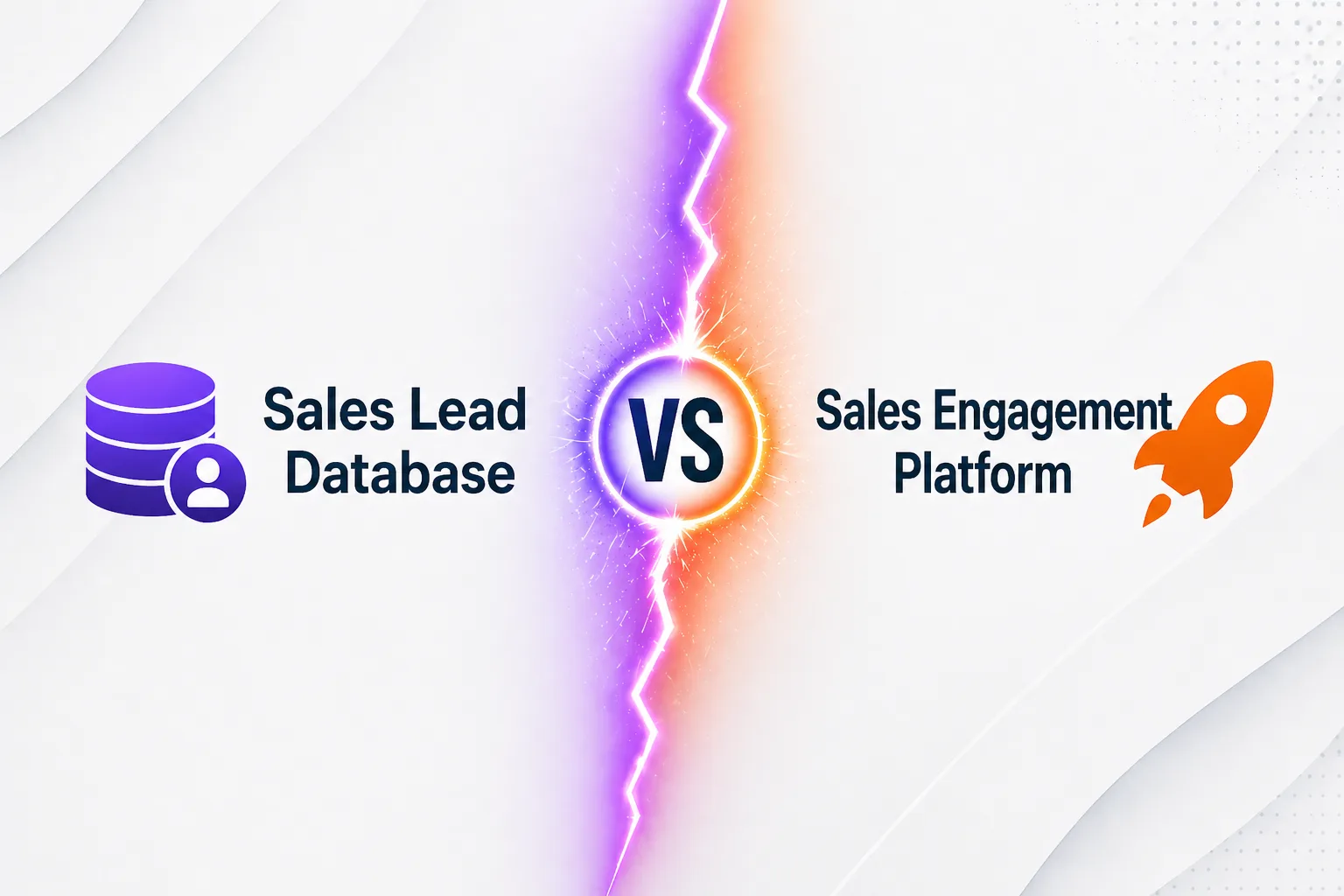
Sales Lead Database vs Sales Engagement Platform
A sales lead database gives you the contact data. A sales engagement platform helps you act on it through email sequences, follow-ups, calls, and outreach workflows. In simple terms, one helps you find leads, and the other helps you reach them.
How We Evaluated the Best Sales Lead Databases
Data Accuracy and Verification
Good data saves time. Bad data kills outreach. We looked for platforms with reliable emails, direct dials, and strong verification.
Database Size and Coverage
Bigger is not always better, but reach matters. We considered how well each tool covers industries, roles, and regions.
Filtering and Targeting Options
The best tools help you narrow your list fast. We checked filters for job title, company size, location, industry, and more.
Intent Data and Buying Signals
Some platforms go beyond contact data. We looked at tools that help teams spot warmer opportunities and better timing.
CRM and Workflow Integrations
A database should fit into your process, not slow it down. We reviewed how well each tool connects with CRMs and sales workflows.
Compliance and Privacy Standards
Data quality also means trust. We considered platforms that take privacy rules and compliance seriously.
Ease of Use
A strong tool should be easy to learn and easy to use. Clean setup and simple workflows matter more than cluttered feature lists.
Pricing Transparency and Value
We looked at what you get for the cost, including plans, credits, and whether the pricing feels fair for the value delivered.
Pricing at a Glance
Tool
Email Accuracy
Starting Price
Free Plan
Sequencer
Apollo.io
~85–90%*
$49/user/mo
Yes
Yes
ZoomInfo
~87%*
$15K/year
No
Yes
UpLead
95%
$74–$99/mo
Trial (5 credits)
No
Cognism
98% (Diamond)
$15K/yr + seat
No
No
Lead411
~90%*
$49/mo
Trial only
No
Lusha
~85%*
$36/user/mo
Yes (trial/free tier)
No
Kaspr
Not publicly stated
€45/mo
Yes
Limited
Seamless.AI
~80–85%*
~$147/mo
Yes
No
Hunter.io
~92%*
$49/mo
Yes (25/mo)
No
Instantly
~90%*
~$30–80/mo
No
Yes
SalesIntel
Not publicly stated
Not publicly stated
Not publicly stated
No
LeadIQ
Not publicly stated
Not publicly stated
Not publicly stated
Limited
LinkedIn Sales Navigator
Not publicly stated
Not publicly stated
Not publicly stated
No
RocketReach
Not publicly stated
Not publicly stated
Not publicly stated
No
Clearbit
Not publicly stated
Not publicly stated
Not publicly stated
No
The Best Sales Lead Databases, Reviewed
1. Apollo.io — Best all-in-one for SMB outbound
Key features: Large B2B database, strong filters, email sequences, CRM sync, and built-in outreach tools.
Pros: Good all-in-one value, solid feature set, and useful for teams that want prospecting and outreach in one place.
Cons: Data quality can vary, and the platform may feel crowded for new users.
Pricing: Free plan available. Paid plans start at a lower entry point than most enterprise tools.
Best for: Small and growing sales teams that want one platform for lead search and outbound work.
2. ZoomInfo — Best for enterprise sales intelligence
Key features: Deep company data, contact records, intent signals, org charts, and advanced sales intelligence tools.
Pros: Strong depth, broad coverage, and built for large teams with complex sales motions.
Cons: Expensive, contract-heavy, and often more than smaller teams need.
Pricing: Custom pricing. Usually built for larger annual budgets.
Best for: Enterprise teams that need scale, depth, and advanced prospecting data.
Pros: Clean workflow, easy to use, and helpful for reps who want faster list building without extra steps.
Cons: Not as deep as larger databases, and some teams may want more coverage or stronger phone data.
Pricing; Tiered pricing based on seats and usage.
Best for: Sales teams that want a simple prospecting tool that fits into daily outbound work.
12. LinkedIn Sales Navigator — Best for account-based prospecting
Key features: Advanced LinkedIn search, lead and account tracking, buyer insights, and saved prospect lists.
Pros: Strong for relationship-led selling, account research, and finding the right people inside target companies.
Cons: Limited outside the LinkedIn ecosystem and not built as a full contact database on its own.
Pricing: Subscription-based pricing with different plans for individuals and teams.
Best for: Teams that rely on LinkedIn for prospecting, account mapping, and warm outreach.
13. Instantly — Best for lead database + cold email workflows
Key features: Built-in lead database, email outreach, inbox rotation, warm-up, and campaign tracking.
Pros: Good fit for teams that want lead search and outbound in one workflow. Strong for scaling email-first prospecting.
Cons: Less suited for teams that want deep enterprise data or heavy phone-based prospecting.
Pricing: Paid plans start at a lower monthly price than most enterprise tools.
Best for: Teams that want contact data and cold email execution in the same platform
14. Clearbit — Best for data enrichment and firmographic insights
Key features; Company data, enrichment, form shortening, and account-level insights.
Pros; Useful for improving lead records, cleaning data, and adding company context across your funnel.
Cons: Better for enrichment than raw lead discovery, and may not replace a full prospecting database.
Pricing: Custom pricing depending on product use and volume.
Best for: Teams that want to enrich existing records and improve lead quality across sales and marketing.
15. RocketReach — Best for flexible contact search
Key features: Email lookup, phone numbers, company search, and extension-based prospecting.
Pros: Easy to use, quick for one-off searches, and useful for teams that need flexible contact discovery.
Cons: Coverage and accuracy can vary by market, and it may lack the depth of larger sales intelligence tools.
Pricing: Multiple paid plans with usage-based limits.
Best for: Recruiters, founders, and sales teams that want a straightforward contact finder without a heavy setup.
Which Sales Lead Database Is Best for Your Team?
We looked past big claims and focused on what actually matters in daily sales work.
Best for startups and solo founders
Apollo.io
A smart pick for lean teams that want solid lead data, basic outreach, and room to grow without paying enterprise prices.
Best for agencies and SDR teams
Lead411
A practical choice for fast-moving teams that need verified contacts, useful signals, and a workflow that supports steady prospecting.
Best for enterprise RevOps
ZoomInfo
Best suited for larger teams that need deeper company data, broader coverage, and more control across complex sales motions.
Best for outbound teams focused on phone numbers
Cognism
A strong option for teams that rely on direct dials and want better phone-based prospecting, especially in regulated markets.
Best for email-first outreach
UpLead
A clean fit for teams that care most about verified emails, lower bounce rates, and better deliverability.
Best for European compliance needs
Cognism
A reliable choice for businesses selling into Europe and looking for stronger privacy and compliance standards built into the platform.
What to Look for in a Sales Lead Database
Verified Emails and Phone Numbers
The best tools give you contact data you can actually use. Verified emails and direct dials help your team spend less time guessing and more time reaching real decision-makers.
Real-Time or Frequent Data Refresh
Lead data goes stale fast. A strong database should refresh often, so you are not wasting time on old contacts, bounced emails, or people who have already moved on.
Advanced Filters and Technographics
Good targeting starts with better filters. Look for tools that let you narrow leads by job title, industry, company size, location, and tech stack.
Intent Data and Trigger Events
Some platforms help you find better timing, not just better contacts. Signals like funding rounds, hiring growth, and job changes can help your outreach land when it matters most.
Native CRM Integrations
A lead database should fit into your workflow with less friction. Native CRM integrations make it easier to move contacts into your pipeline and keep your data clean.
Chrome Extension and Workflow Fit
Speed matters in prospecting. A solid Chrome extension can make LinkedIn and web-based research much faster without breaking your flow.
Credit System and Hidden Costs
Look beyond the starting price. Some tools charge by search, export, reveal, or seat, so the real cost can climb quickly if you are not paying attention.
GDPR, CCPA, and Consent Considerations
Data quality is not just about accuracy. It is also about trust. Choose a platform that takes privacy, consent, and compliance seriously, especially if you sell into regulated markets.
Are Sales Lead Databases Legal to Use?
GDPR and CCPA Basics
Yes, sales lead databases can be legal to use, but only when the data is collected, handled, and used in line with privacy laws. Rules like GDPR and CCPA focus on consent, transparency, and how personal data is processed.
Why Compliance Claims Vary by Vendor
Not every platform follows the same standards. Some vendors invest more in lawful data sourcing, opt-out handling, and privacy controls, while others leave more of the risk on the buyer. That is why “compliant” can mean very different things from one provider to another.
Best Practices for Ethical Outbound Prospecting
Use accurate business data, target relevant prospects, honor opt-outs, and keep your outreach clear and respectful. A good lead database should help you reach the right people, not encourage spam, careless list buying, or risky outreach habits.
Common Mistakes to Avoid When Choosing a Sales Lead Database
Choosing Based on Database Size Alone
A bigger database does not always mean better leads. What matters more is whether the data is accurate, current, and relevant to your market.
Ignoring Refresh Frequency
Lead data changes fast. If a platform does not update often, your team ends up chasing old contacts and wasting time on dead outreach.
Overpaying for Enterprise Features You Will Not Use
Some tools look impressive on paper but come packed with features many teams never touch. Pay for what fits your workflow, not what sounds advanced.
Trusting Vendor Accuracy Claims Without Testing
Every provider says their data is strong. The only way to know is to test the quality for your own audience, regions, and job titles before you commit.
Skipping CRM and Deliverability Considerations
Good lead data should move smoothly into your sales process. If the tool does not fit your CRM or leads to poor email deliverability, it creates more problems than it solves.
Final Verdict: The Best Sales Lead Databases
Best Overall
Apollo.io: A strong all-round choice for teams that want solid lead data, useful filters, and built-in outreach without jumping between too many tools.
Best Value
Lead411: A smart pick for teams that want good data, helpful buying signals, and practical features at a more manageable cost.
Best for Enterprise
ZoomInfo: Best suited for large sales teams that need deep company insights, broad coverage, and a platform built for scale.
Best for Compliance
Cognism: A reliable option for teams that sell into Europe and need stronger privacy, consent, and compliance support.
Best for Verified Emails
UpLead: A great fit for teams that care most about cleaner contact data, fewer bounces, and better email performance.
How to Choose the Right Sales Lead Database
Try Before You Buy
Most tools offer a trial, free plan, or demo. Use it to see how the platform feels in real work, not just on a feature page.
Build a Shortlist Based on Your Use Case
Start with what your team actually needs. Some tools are better for startups, some for outbound teams, and some for enterprise sales ops.
Test Data Quality With a Small Batch First
Before you commit, pull a small list and check the results. Good fit, clean data, and usable contacts matter more than big promises.
Frequently Asked Questions
A sales lead database is a tool that helps you find business contacts. It usually includes names, job titles, emails, phone numbers, and company details.
A sales lead database lets you search for prospects using filters. You can narrow results by role, industry, company size, location, and other details.
Sales teams, founders, agencies, recruiters, and marketers can all use one. It is most useful for teams doing outbound prospecting.
A sales lead database helps you find new contacts. A CRM helps you manage relationships and track deals after contacts enter your pipeline.
A sales lead database helps you discover leads. A data enrichment tool adds missing details to leads you already have.
Yes, they can be legal to use. The provider and the user still need to follow privacy and data protection laws.
Some are built with stronger compliance controls than others. You still need to check how the vendor handles sourcing, opt-outs, and data use.
It should save time and improve outreach. Good data, strong filters, easy integrations, and regular updates matter most.
Accuracy varies by platform and market. The best way to judge quality is to test a small batch before you commit.
Lead data changes often because people switch jobs, teams, and companies. That is why refresh frequency matters.
Look for verified contact data, useful filters, CRM sync, fair pricing, and compliance support. Ease of use matters too.
Small teams usually do best with tools that are simple and affordable. They often need a balance of good data and easy setup.
Enterprise teams usually need broader coverage, deeper company data, and stronger workflow controls. They also need tools that scale across larger teams.
The best option for email outreach is one with clean, verified emails. Lower bounce rates usually matter more than bigger list size.
The best option for phone prospecting is one with reliable direct dials. Good mobile number coverage can make a big difference.
Yes, many tools work alongside LinkedIn through browser extensions. They help you capture contact details while you prospect.
Many of them do. CRM integrations help move contacts into your pipeline without manual work.
Pricing often depends on data depth, coverage, features, and contract model. Some tools also charge extra for exports, seats, or credits.
Not on claims alone. It is safer to test the data with your own target market first.
Start with your use case. Then compare data quality, filters, integrations, compliance, and total cost.